Subscription Trackers That Don't Need Your Bank Login: How They Work and Why That Matters
Most subscription managers ask you to link your bank account. Here's why some people are actively avoiding that, how CSV-based trackers get the same results without it, and how to pick between the two approaches.
Muneeb Khalid
September 1, 2026 · Updated August 31, 2026
Subscription Trackers That Don't Need Your Bank Login: How They Work and Why That Matters
Type "subscription tracker" into your app store and nearly every top result asks for the same thing before it shows you anything useful: connect your bank account. Hand over your login credentials to a third-party service (usually through an aggregator like Plaid), and in exchange, the app scans your transaction history and tells you what you're paying for.
It works, and for a lot of people it's a fine trade. But it's worth understanding what that trade actually is before you make it — and knowing that it isn't the only way to get the same result.
What you're actually agreeing to
When you link your bank account to a subscription app, you're not just giving it a one-time look at your statement. You're granting ongoing, continuous access to your transaction history — every purchase, every deposit, every transfer — for as long as the connection stays active, not just the subscriptions you're trying to track. The app's business model, its data retention policy, and how many other companies your data gets shared with along the way are all things you're trusting a third party to get right on your behalf.
That's not a reason to avoid every bank-linked app. Some people are perfectly comfortable with it, especially if the app also offers things like automatic cancellation or bill negotiation that require that live connection to work. But if your only goal is "show me what I'm paying for and remind me before it renews," continuous bank access is more than the job actually requires.
The alternative: import once, no ongoing connection
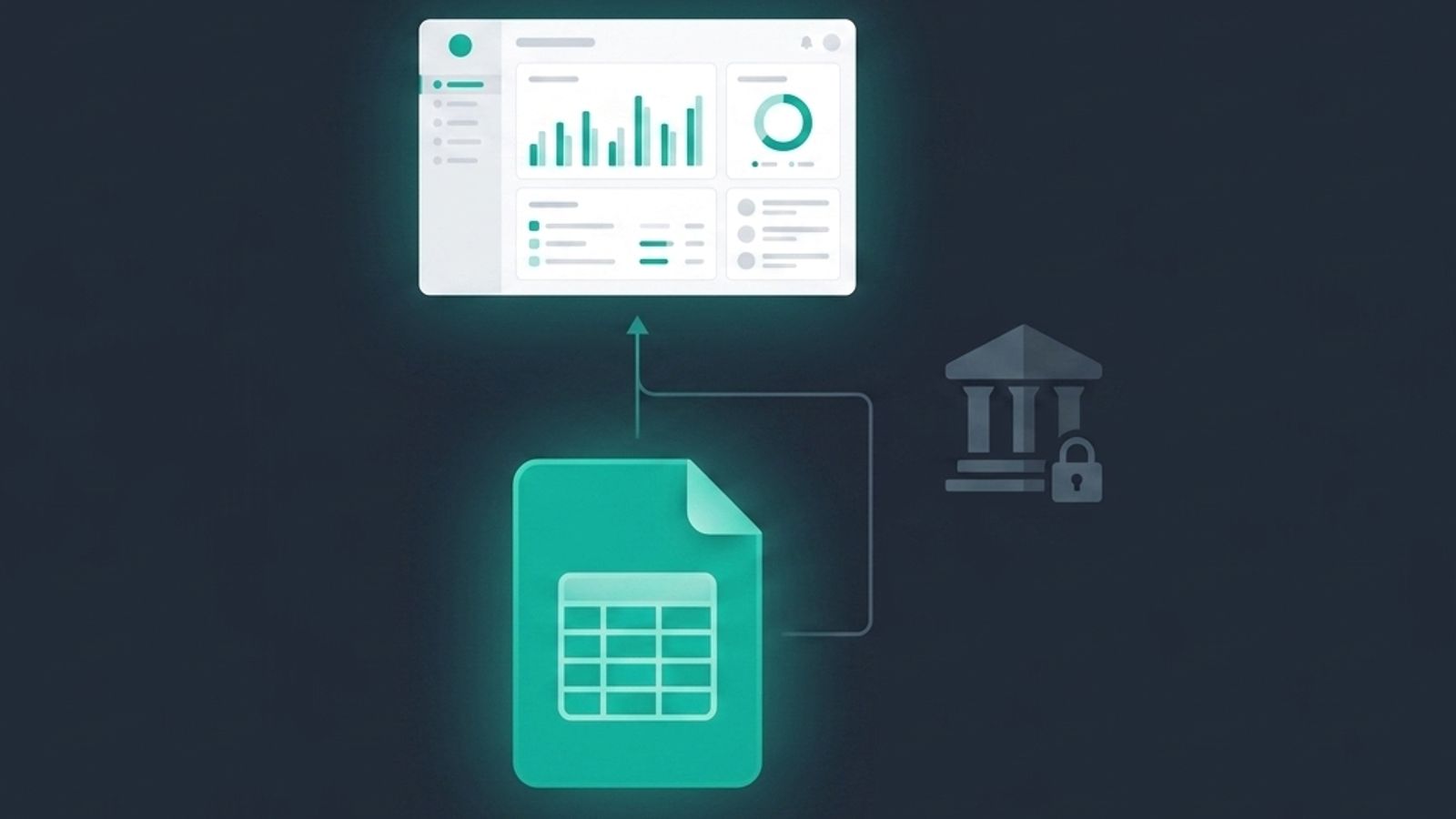
A different category of subscription tracker skips the bank login entirely and works from a CSV export instead — the same kind of file your bank already lets you download from its website or app, no third-party integration required.
You export a statement, upload the file, and the tool scans it for recurring charges: same amount, same merchant, repeating on a roughly monthly or annual cycle. It flags the candidates, you confirm which ones are real subscriptions, and from there they live in your dashboard with their renewal dates and categories. SubSavage's AI Smart Parser works this way — it reads the statement, picks out the pattern, and builds your subscription list without ever holding a live connection to your accounts. Update it whenever you want by uploading a fresh statement; there's no background sync running between visits.
The trade-off is honest: you lose real-time automatic detection of brand-new charges the moment they hit. What you get instead is a tool that only sees your data when you choose to hand it over, and doesn't need an active login to your bank sitting in some third party's system in the meantime.
Side by side
Bank-linked trackers (Rocket Money, and similar tools) connect continuously through your bank credentials. The upside is charges get detected automatically and some of these apps can also negotiate bills or cancel subscriptions on your behalf. The trade is ongoing access to your full transaction history, not just recurring charges, held by a third party for as long as the connection exists.
CSV-based trackers (SubSavage among them) ask you to export and upload a statement instead. Detection isn't instant — you're pulling a fresh file when you want an updated view — but there's no standing login, no continuous data pull, and you control exactly when your bank data leaves your hands.
Neither approach is objectively "better." It depends on what you're optimizing for: hands-off automatic monitoring, or control over when and how much financial data you share.
Who tends to prefer the no-bank-link approach
A few patterns show up consistently among people who go out of their way to avoid linking a bank account:
- People who've been burned by a data breach before, or who just don't like the idea of a subscription app having standing access to their full transaction history.
- Freelancers and small business owners who mix personal and business spending across multiple cards and don't want every account tangled into one aggregator.
- Anyone managing subscriptions for a household or shared account, where "let's give this app my bank login" is a harder conversation than "let's upload this month's statement."
- People who've simply had a bad experience with a bank-linking flow breaking, requiring re-authentication, or flagging a security alert from the bank itself.
None of these are edge cases — they add up to a meaningful share of anyone who's tried a subscription tracker and specifically avoided the ones requiring a bank connection.
What to check before you pick either type
If you're comparing options, a few questions matter more than the marketing copy:
- What happens to my data if I stop using the app? A CSV-based tool has an easy answer: delete your account and there's nothing left connected to pull from. A bank-linked app should be able to tell you clearly how to revoke access — if it can't, that's worth noticing.
- Do I actually need automatic detection, or am I fine updating manually every so often? If you check your finances weekly anyway, a quick statement upload takes less time than you'd think.
- Is cancellation-on-my-behalf actually a feature I'll use, or would I rather cancel things myself once I know what they are? Some people want a subscription app to do the work of contacting the provider; plenty of others just want a clear list and a reminder.
- Free tier limits. Some free plans cap you at a small number of tracked subscriptions before pushing you to upgrade — worth checking against how many recurring charges you actually have before you commit to one tool over another.
Bank-linked subscription trackers aren't a bad idea — for a lot of people, the convenience is worth it. But "connect your bank to see your subscriptions" isn't the only model that works, and if you'd rather not hand over a standing login to get a clear picture of your recurring charges, a CSV-based tracker gets you the same dashboard, the same renewal reminders, and the same savings tracking, just on your terms about when your data moves. Upload a statement, confirm the detected subscriptions, and you're set up in about the time it takes to make coffee — no bank credentials required.
Try it now: Get started with SubSavage