Zombie Subscriptions: How to Find (and Actually Cancel) the Charges You Forgot About
Most people are paying for at least one subscription they've forgotten exists. Here's a step-by-step way to hunt down every zombie charge on your accounts — and cancel it for good, not just this month.
Muneeb Khalid
August 25, 2026 · Updated August 27, 2026
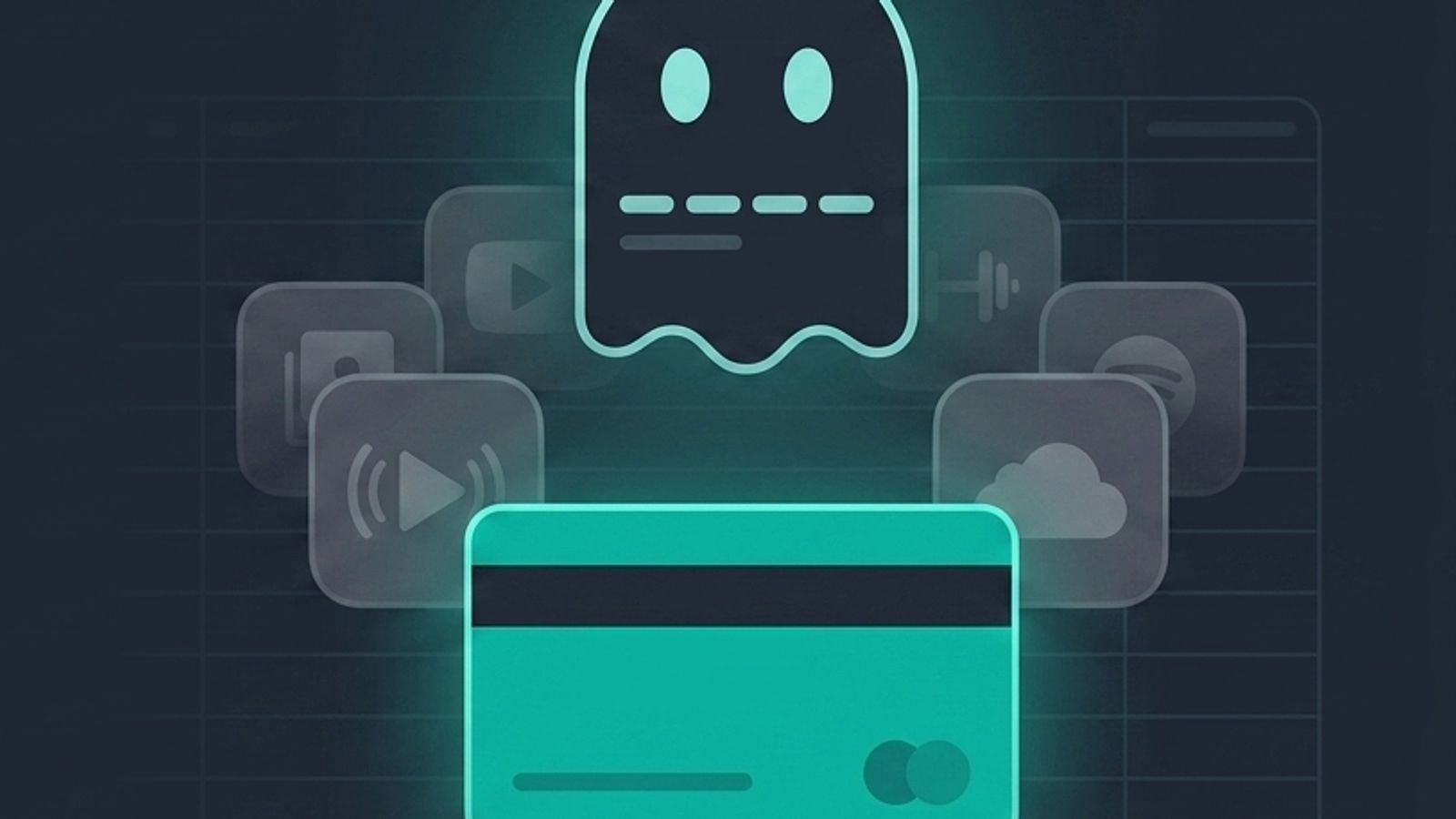
Zombie Subscriptions: How to Find (and Actually Cancel) the Charges You Forgot About
You know the feeling. You're scrolling through your bank statement for something unrelated and a charge catches your eye — $12.99, same amount, same date, every single month. You stare at it for a second. You genuinely cannot remember what it's for.
That's a zombie subscription: a recurring charge that has outlived the reason you signed up for it. The free trial you meant to cancel. The meditation app you used for eleven days in January. The old work tool still billing your personal card two jobs later. It's not dead, but nobody's using it either — it just keeps shuffling along, taking a small bite out of your account every month.
Nobody plans to have these. They accumulate because subscription billing is built to continue by default. Signing up takes ten seconds; canceling usually takes a phone call, a support ticket, or a maze of settings menus. The friction is asymmetric on purpose, and it's why the average household is carrying more forgotten recurring charges than they'd guess if you asked them cold.
Here's how to actually find them — not just the obvious ones, but the ones hiding in the places you don't normally look — and how to cancel them so they stay canceled.
Why zombie subscriptions are so easy to miss
A single streaming service or app is easy to track. The problem is scale. Between streaming, cloud storage, fitness apps, meal kits, newsletters, browser extensions, and the software you tried once for a work project, most people are juggling well over a dozen recurring charges spread across different cards, different billing dates, and different platforms (App Store, Google Play, PayPal, direct card billing).
Split that many charges across three or four payment methods and a few different email inboxes, and it becomes almost impossible to hold the full list in your head. You don't forget subscriptions because you're careless — you forget them because no single statement shows you everything at once.
Where to actually look
A proper audit means checking more than just your primary checking account. Zombie subscriptions like to hide in the gaps between accounts.
1. Bank and credit card statements — all of them. Pull the last two to three months of statements from every card and account you use, including ones you don't check often. Look for identical or near-identical charges that repeat on a monthly or annual cycle. Annual charges are the sneakiest, since a $79.99 hit that only shows up once a year is easy to miss entirely.
2. Your email inbox. Search for "receipt," "invoice," "renewal," "your subscription," and "payment confirmation." Every recurring billing email is a candidate, even if you don't remember opening it. Old receipts are often the only record of a subscription that's since disappeared from your radar.
3. App Store and Google Play. Mobile subscriptions are a common blind spot because they don't always show up clearly on a bank statement — Apple or Google bills you, not the app developer directly. Check Settings > [Your Name] > Subscriptions on iOS, or Google Play > Payments & subscriptions on Android.
4. PayPal and other payment apps. If you've ever signed up for something through PayPal, it likely has its own list of active automatic payments, separate from anything your bank sees directly.
5. Old work or freelance tools. Anything you subscribed to "just for a project" — a design tool, a scheduling app, a stock photo site — has a habit of quietly outliving the project by months or years.
The audit, step by step
- Gather everything in one place. Instead of flipping between five statements and three inboxes, list every recurring charge you find in a single spreadsheet or, if you'd rather not do it by hand, upload your statement as a CSV and let a tool pull the recurring charges out automatically. This is faster and catches things a quick visual scan misses, especially charges that only bill once a year.
- Note the amount, the billing date, and the last time you actually used it. Be honest here — "I could theoretically use this" isn't the same as "I used this in the last 30 days."
- Sort into three buckets: keep, unsure, cancel. Anything you can't remember signing up for goes straight to "cancel." Anything you haven't touched in two months goes to "unsure" and gets a second look.
- Total the monthly and annual cost of everything in the "cancel" pile. Seeing the actual number — not a vague sense that "it's probably not much" — is usually what pushes people to follow through.
- Cancel from the source, not just by hiding the app. Deleting an app from your phone does not cancel the subscription behind it. You need to cancel through the App Store, Google Play, the merchant's website, or by contacting them directly if that's the only option they offer.
- Check your next one or two statements to confirm the charge actually stopped. Cancellations occasionally take an extra billing cycle to fully process, and it's worth verifying rather than assuming.
Cancellation is still harder than it should be
If you've ever given up halfway through canceling something because you got routed to a retention offer, a phone tree, or a "are you sure?" screen with three follow-up questions, you're not imagining it. Federal rules aimed at making cancellation as easy as sign-up have gone through a rocky few years — a 2024 rule requiring simpler cancellation was struck down in court in 2025 on procedural grounds, and regulators have since moved to bring a version of it back. In the meantime, a growing number of states have passed their own auto-renewal laws, some stricter than what was proposed federally.
The practical upshot: don't assume cancellation will be one click just because sign-up was. Budget a few extra minutes for anything that requires a phone call, and keep a screenshot or confirmation email as proof once you're done.
Making sure they don't come back
The real fix isn't a one-time cleanout — zombie subscriptions regenerate. New free trials turn into charges, new tools get subscribed to "just to test," and six months later you're doing the exact same audit again.
This is the part a dashboard actually helps with. SubSavage's CSV import will scan a bank statement and flag the recurring charges automatically, so you're not scrolling through months of transactions line by line. From there, every subscription lives in one place with its renewal date, so you get a reminder before it bills again instead of finding out after the fact. Every time you cancel something, SubSavage adds it to a running savings total — a small thing, but seeing "$340 saved this year" is a much better motivator than a vague sense of having "cleaned some stuff up."
You don't need software to do a subscription audit once. You mostly need it so you don't have to do the audit again in six months.
Try it now: Start saving with SubSavage